
New version highlights (4.2-4.5)
Completion requirements
1. Course page improvements
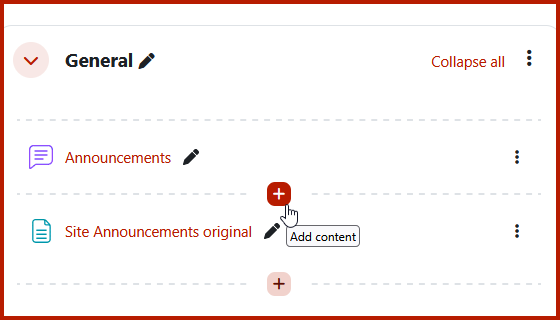
Quickly create content
Click to add an activity or resource anywhere on the course page.
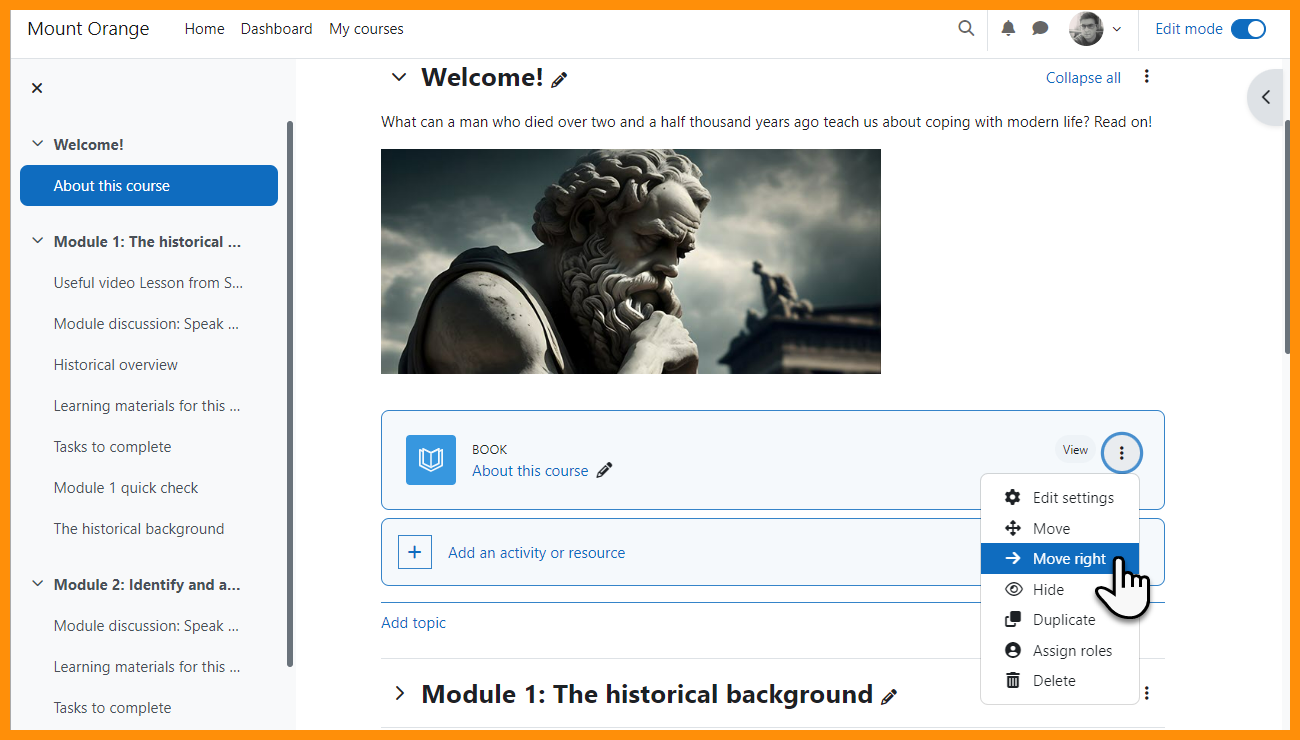
Easily indent items
move items once to the right, with this being reflected in the course index too.
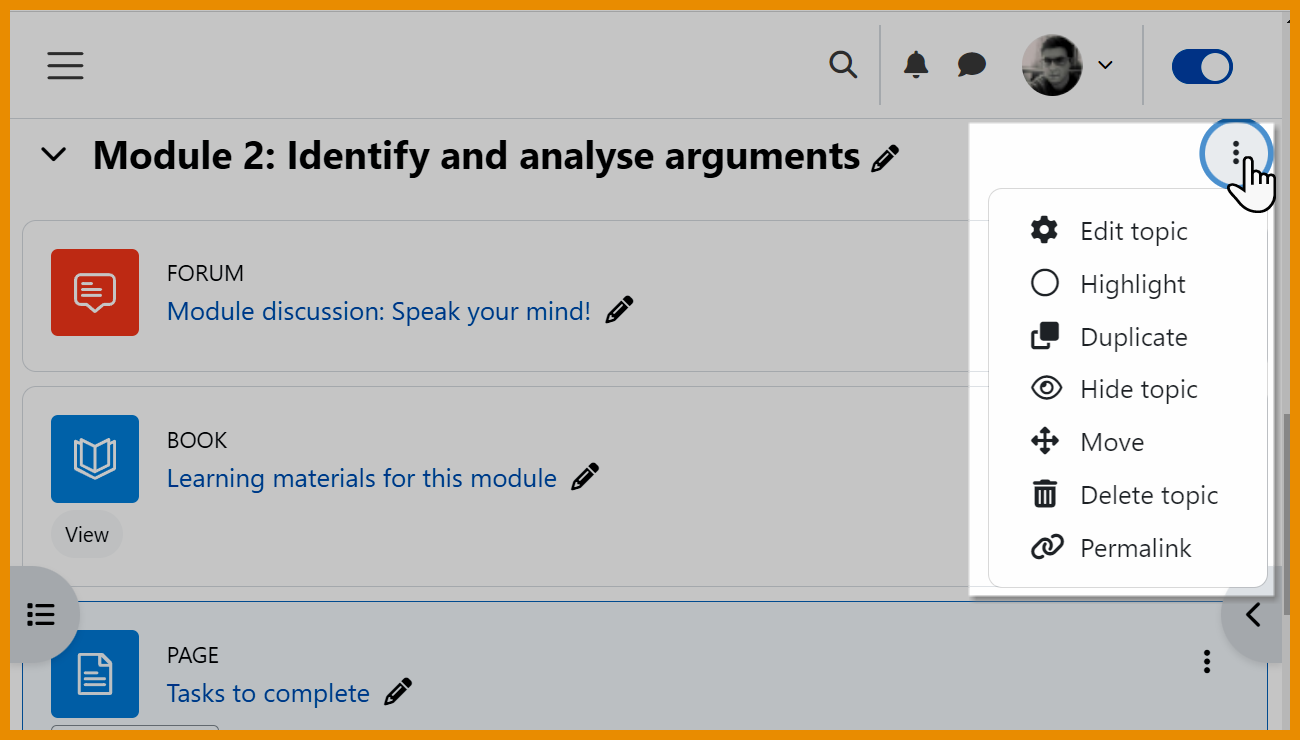
Better section options
Duplicate sections and benefit from useful permalinks.
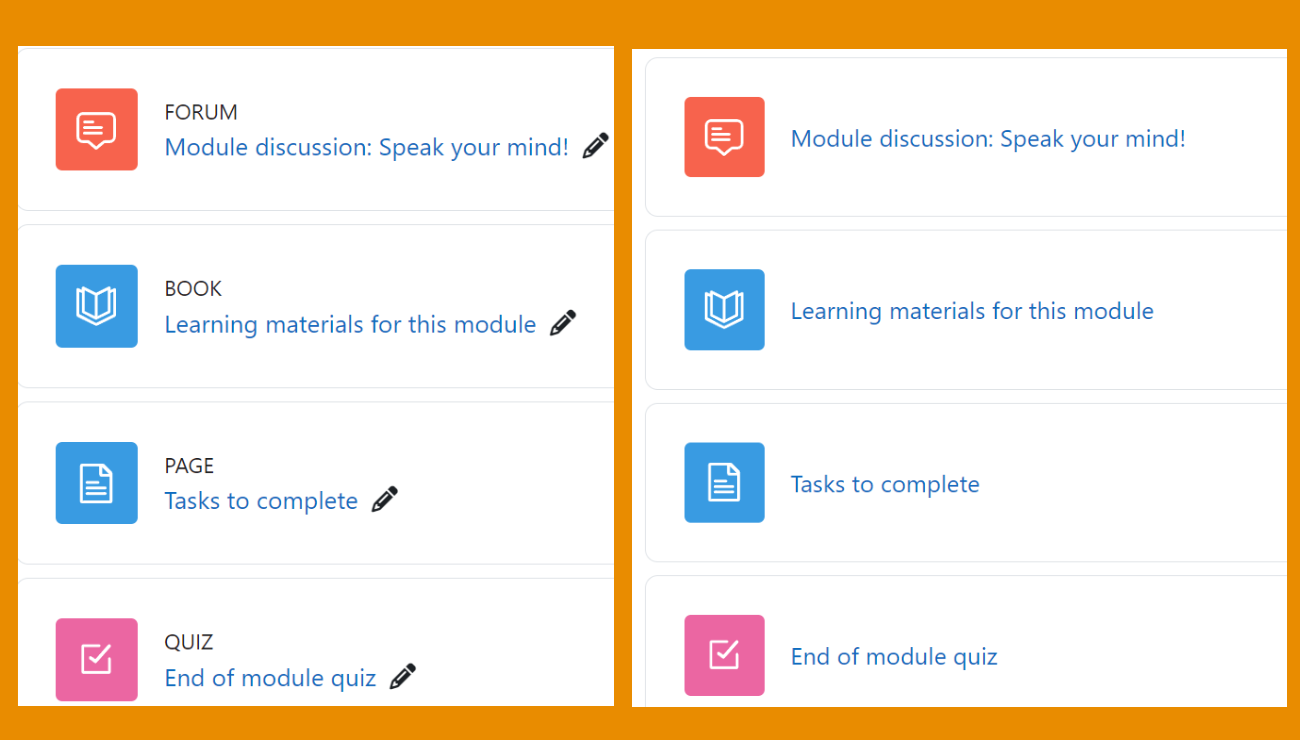
Activity names
Activity names now only display when edit mode is on.
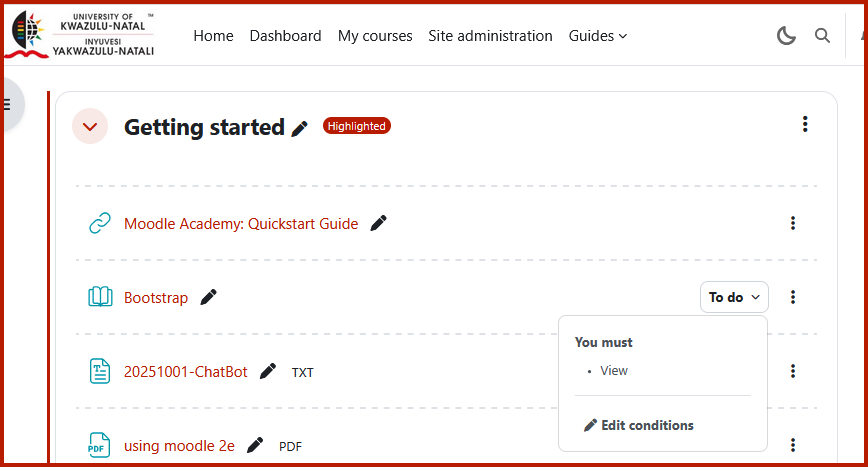
Smaller icons and dropdown menus
Smaller icons and access completion conditions from a dropdown menu and edit links to directly access settings.
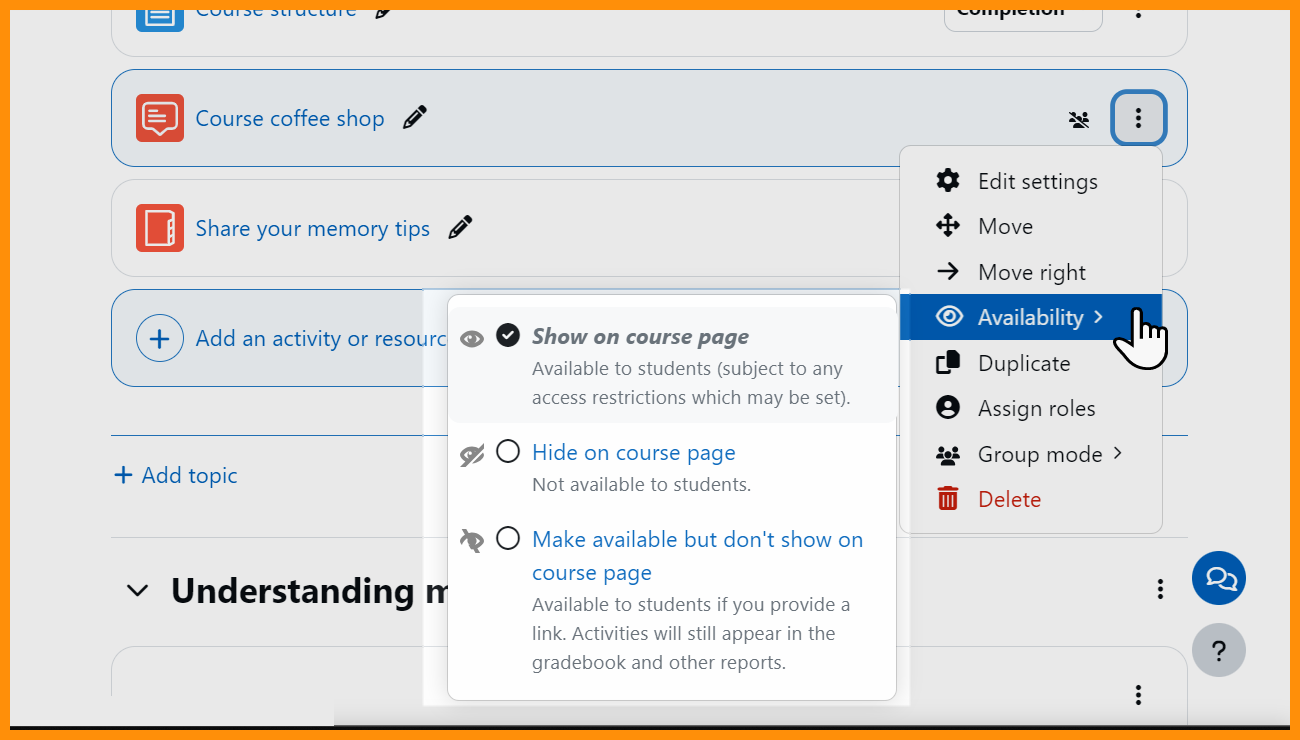
New Availability setting
From 'More' a new setting allows easy editing of availability options.

